
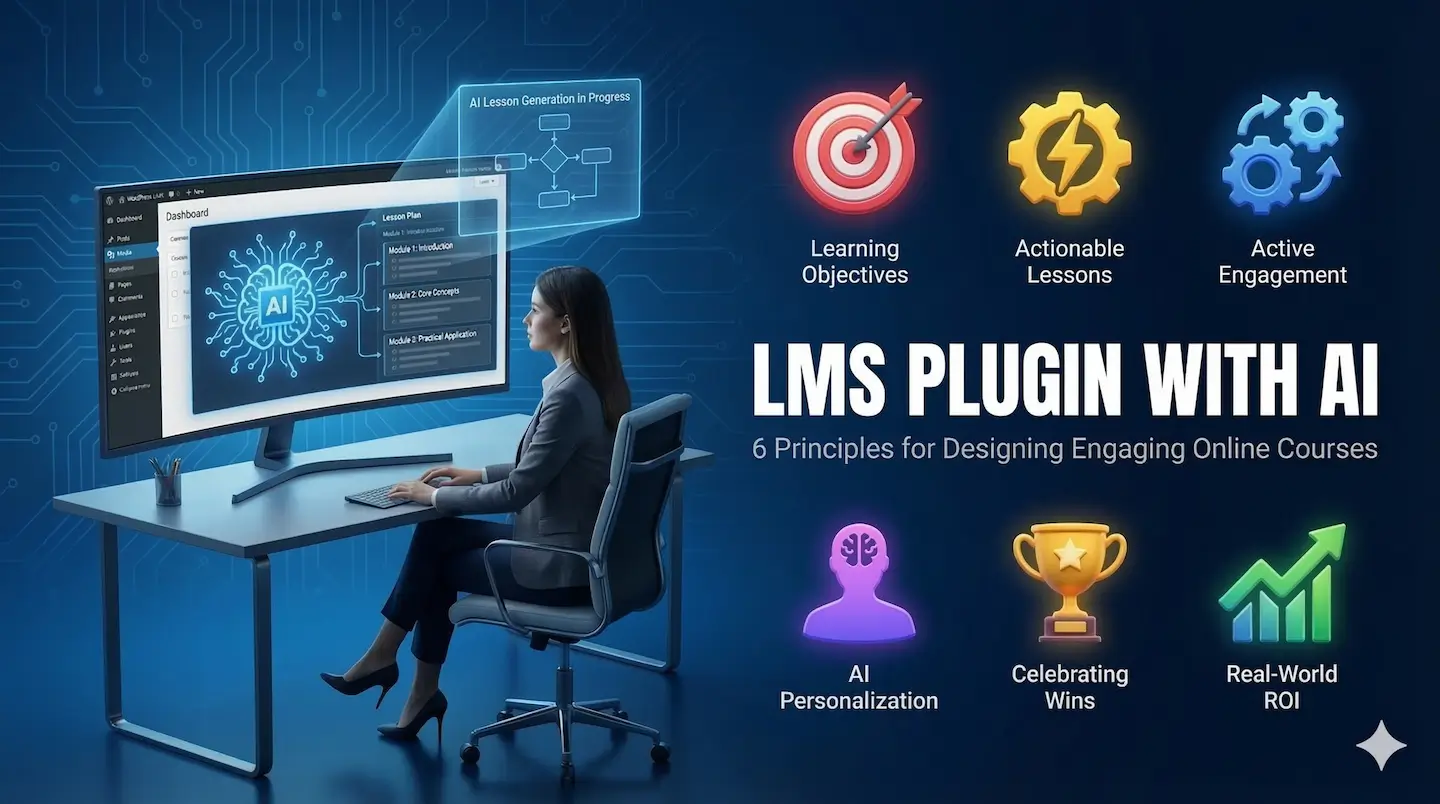
Introduction: Solving the Engagement Bottleneck
For Professional Solopreneurs and Corporate L&D teams, the challenge isn’t just delivering information, it’s ensuring that information actually “sticks.” Most online courses fail not because of poor content, but because of a “blank page” in instructional design. Creating interactive, high-retention courses is traditionally a massive time-sink.
However, the rise of the AI WordPress LMS has changed the game. By leveraging an LMS Plugin with AI, you can move beyond simple information dumping and build a thriving learning ecosystem in a fraction of the time. Here are six actionable principles for designing courses that professional learners actually finish.
1. Start with Learning Objectives, Not Just Content
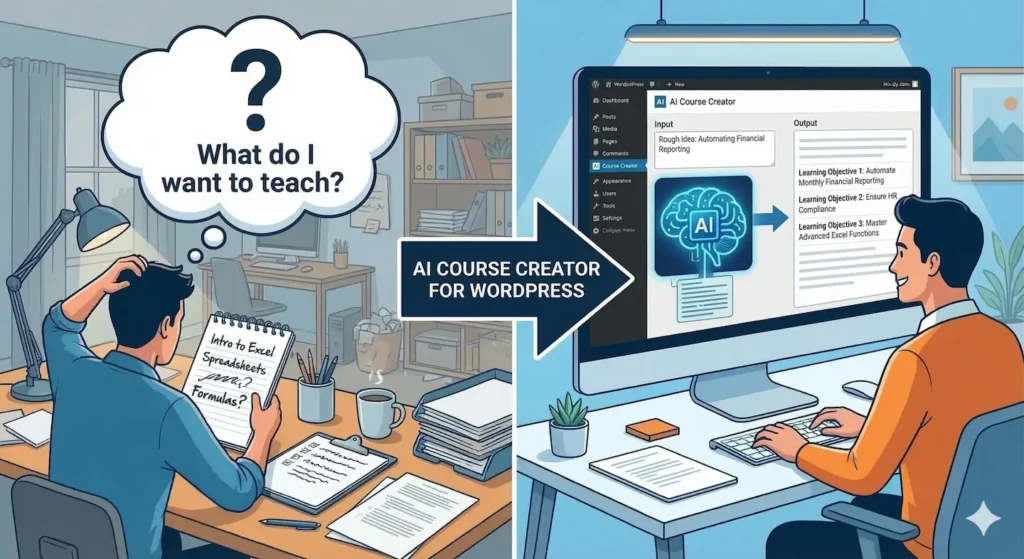
Too many creators start by asking, “What do I want to teach?” Professional learners ask, “What will I be able to do?” Anchor your design in specific learning objectives.
The AI Advantage: Use an AI Course Creator for WordPress to input your rough ideas and generate structured learning outcomes that align with professional standards or HR compliance needs. Instead of “Intro to Excel,” aim for “Automating Monthly Financial Reporting.”
2. Keep Lessons Practical and Actionable
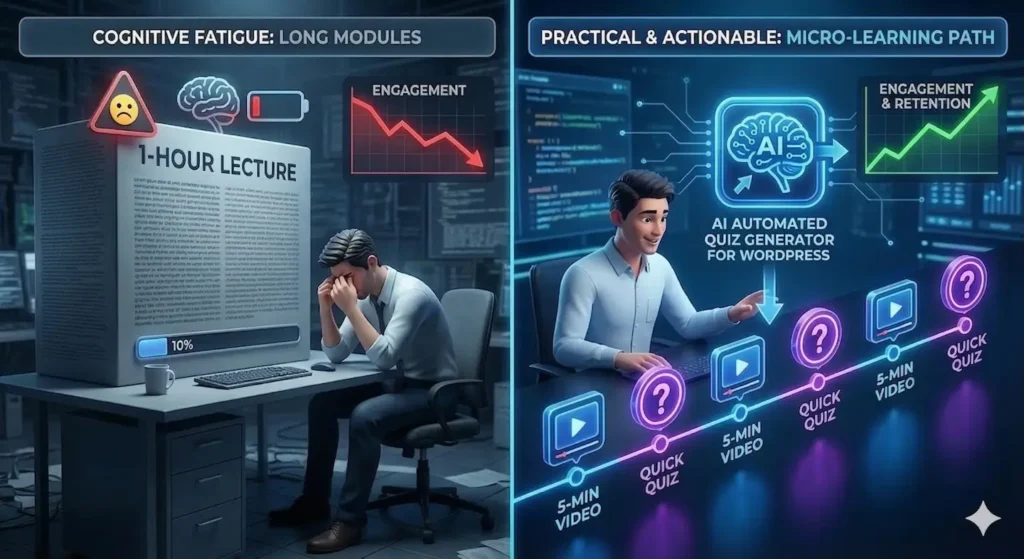
Cognitive fatigue is a course-killer. If your modules are too long, L&D completion rates plummet. Break content into bite-sized, “micro-learning” chunks.
The AI Advantage: Use an Automated Quiz Generator for WordPress to insert low-stakes assessments immediately after short video modules. This reinforces the material while it’s fresh and prevents information overload.
3. Design for Active Engagement
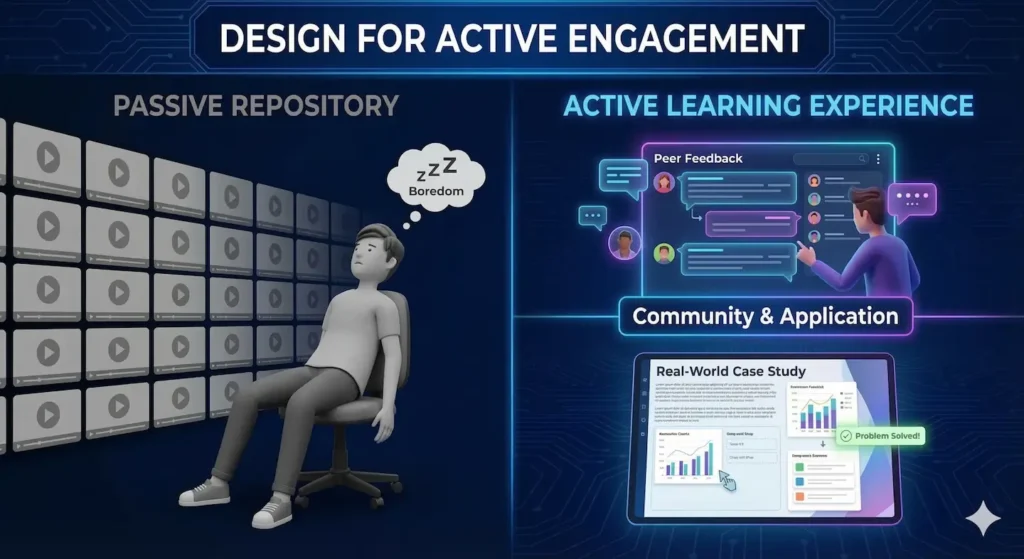
Watching a video is passive; solving a problem is active. A great course is an experience, not a repository. To build authority, include:
- Peer Feedback: Using your WordPress Course Plugin to foster community discussion.
- Case Studies: Real-world scenarios that require learners to apply Tier 2 or Tier 3 concepts.
4. Personalize the Learning Journey with AI
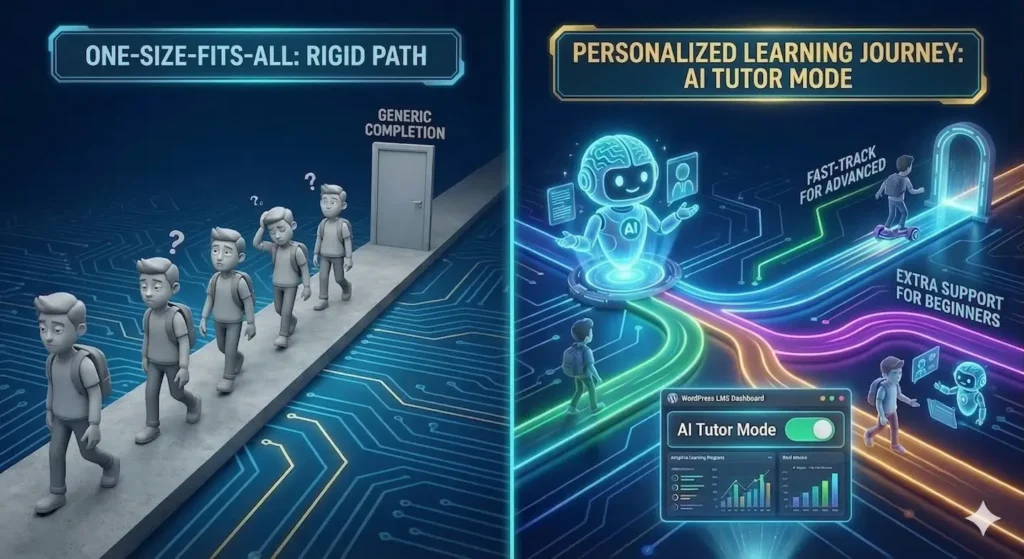
A rigid, one-size-fits-all course often leaves advanced learners bored and beginners lost. This is where the Best WordPress LMS Plugin 2026 differentiates itself.
The AI Advantage: Use “AI Tutor Mode” to provide context-aware support for students. Adaptive learning paths allow the course to adjust based on initial assessment performance, ensuring every HR onboarding or professional coaching session feels personalized.
5. Show Progress and Celebrate Wins
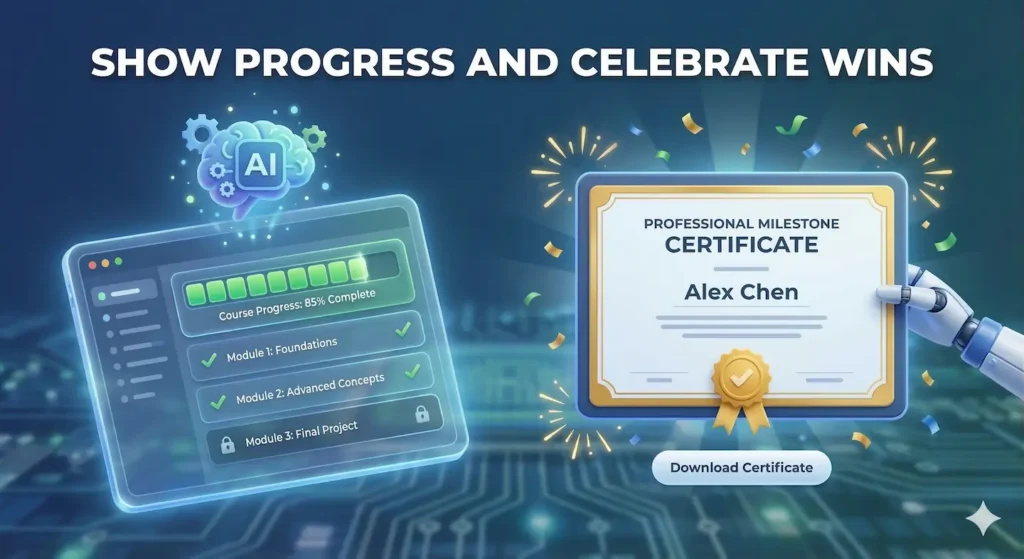
In digital environments, momentum is everything. Learners need frequent positive reinforcement to reach the finish line.
- Visual Progress Bars: Ensure your LMS Plugin with AI includes clear visual indicators of completion.
- Milestone Certificates: Issue automated certificates for major sections to create a sense of professional achievement.
6. Focus on Real-World Application (ROI)
For Corporate L&D teams, success is measured by ROI, how well the training translates into job performance. Move beyond multiple-choice. Build assessments that reflect real-world tasks, such as uploading a project or completing a skills gap analysis.

Final Thoughts: The Future of Instructional Design
If you want to create a course that resonates, always return to this core question: “How will this transform my learner’s professional journey?” By focusing on practical application and using the Lenxel AI ecosystem to handle the instructional heavy lifting, you can build a scalable education brand you truly own.
Ready to reclaim your time and scale your expertise?
Start building your professional AI-powered course for free today.
FAQ
What is an AI WordPress LMS?
It is a Learning Management System built on WordPress that utilizes Artificial Intelligence to automate course structure, quiz generation, and student support.
Can I move my courses from Teachable to a WordPress Course Plugin?
Yes. Many professionals are migrating to WordPress to gain Data Sovereignty and eliminate high monthly SaaS platform fees.
How does an automated quiz generator for WordPress work?
The AI analyzes your lesson text and instantly creates relevant multiple-choice or short-answer questions, saving hours of manual formatting.